
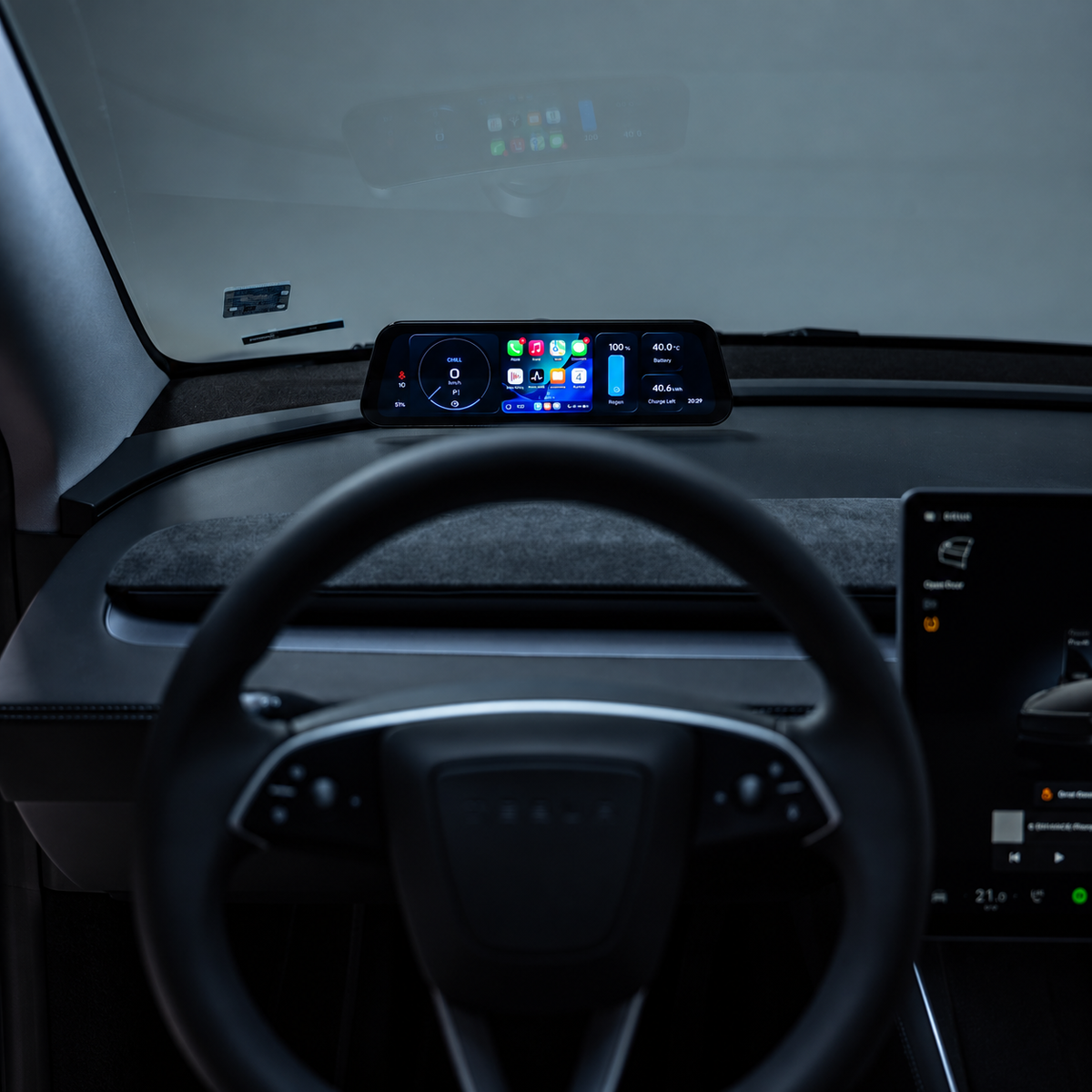
S3XY Dash + Commander for Tesla Model 3 & Y by Enhance
Please provide your VAT number in the cart section if you qualify for a VAT exemption.
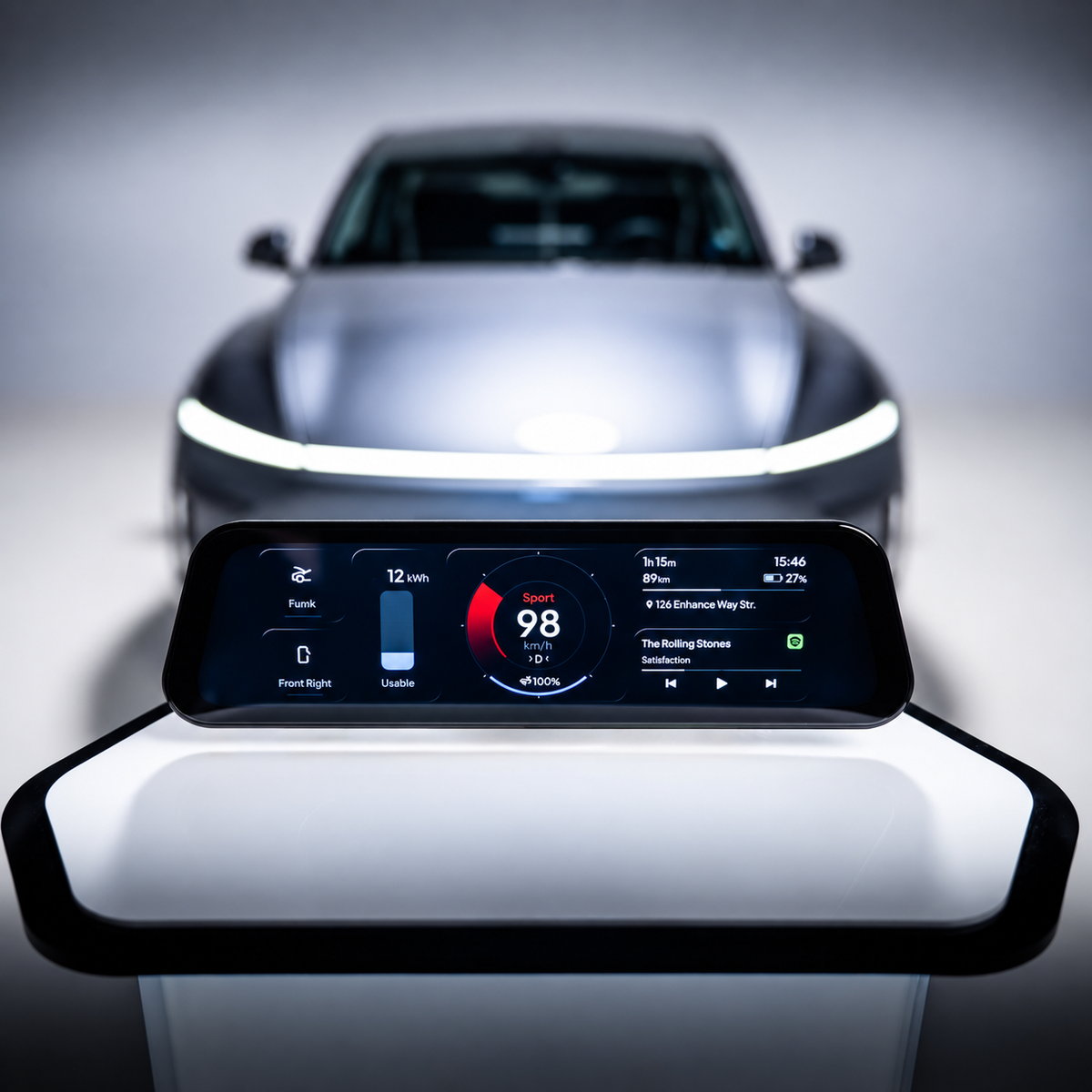
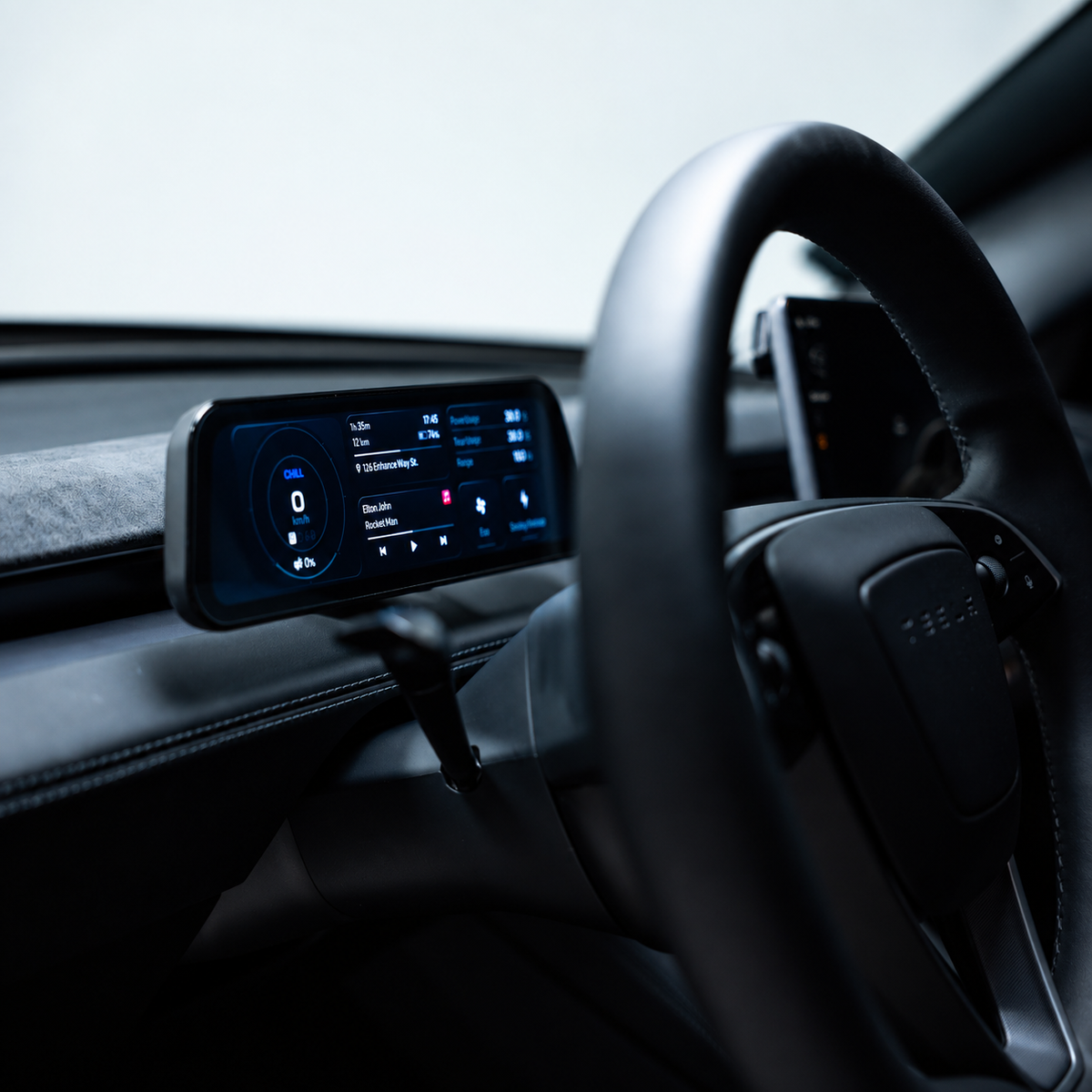
Keep your speed, vehicle information and selected controls directly in front of you. S3XY Dash + Commander by Enhance adds a configurable 9.6-inch instrument display to your Tesla Model 3 or Model Y, with support for Apple CarPlay and Android Auto.
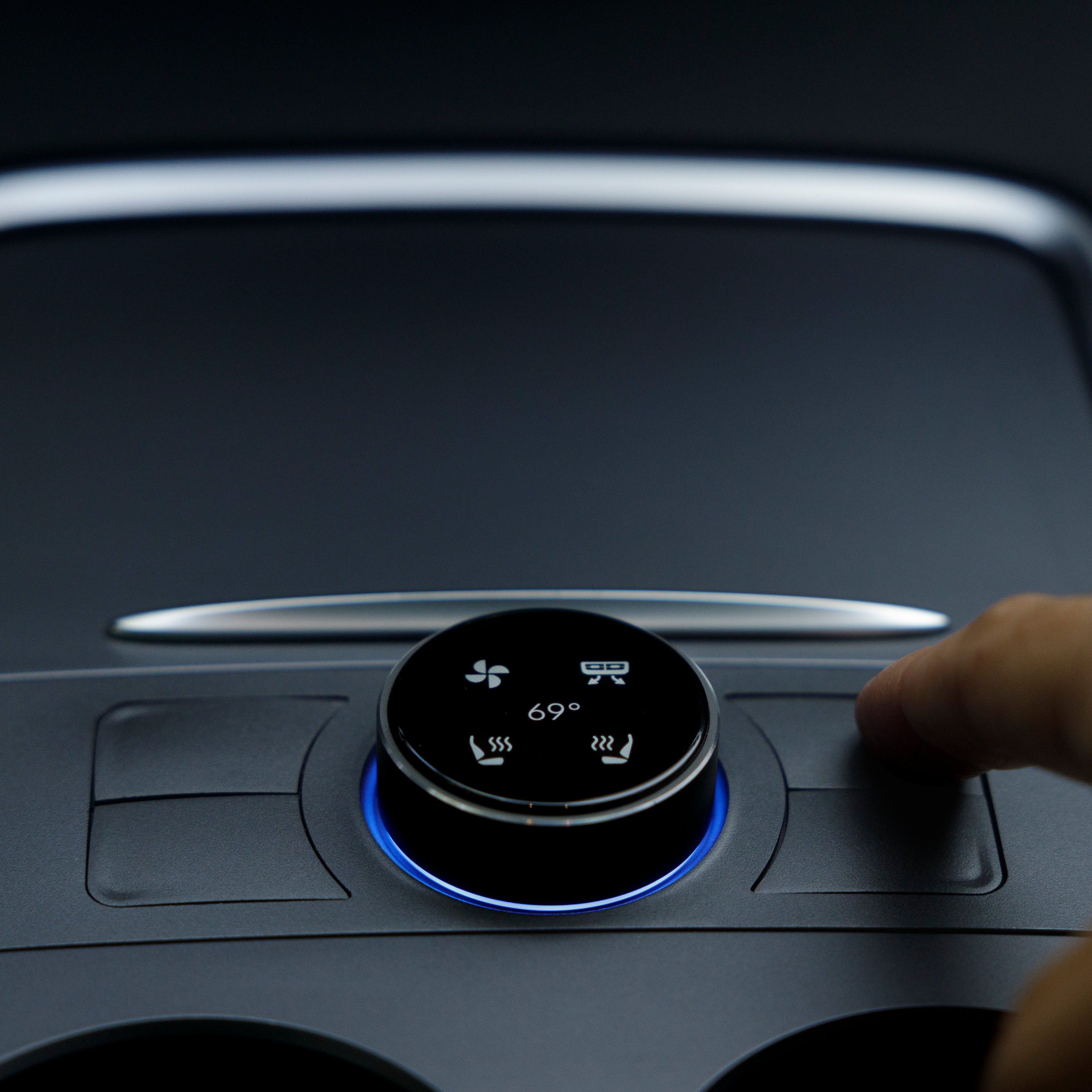
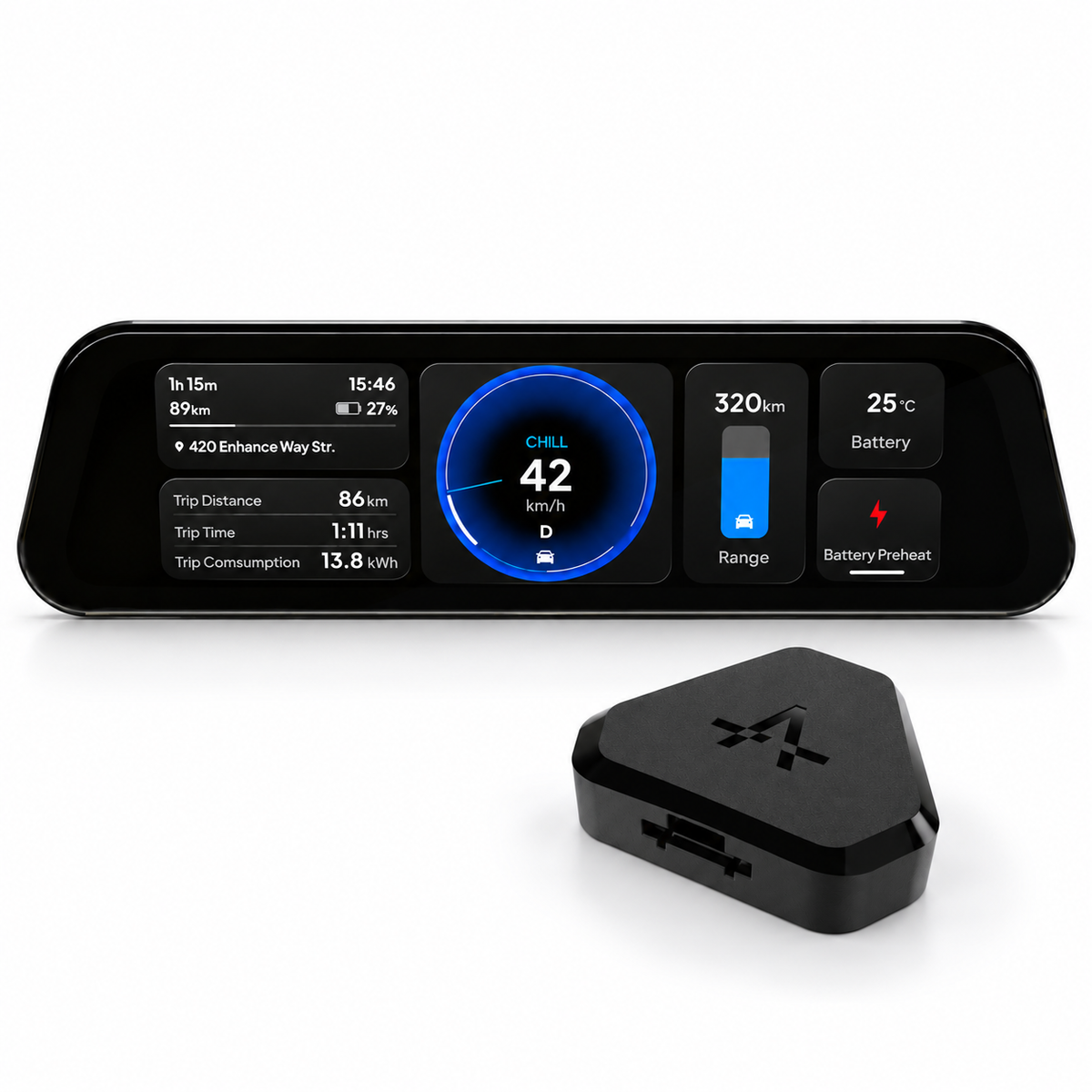
The bundle includes the display and Commander Gen2, together with the mounting and connection accessories. It suits drivers who want a dedicated instrument cluster and the freedom to choose what appears on it.
Technical specifications
|
Specification |
Details |
|
Product type |
Configurable instrument cluster for Tesla Model 3 and Model Y |
|
Display size |
9.6 inches |
|
Included interface module |
Commander Gen2 |
|
Vehicle information |
Live CAN bus data |
|
Smartphone integration |
Apple CarPlay and Android Auto |
|
Dashboard layouts |
Up to eight configurable screens |
|
Widget configuration |
Adjustable size and position |
|
Power connection |
Dedicated Dash cable with USB-C connector |
|
Mounting |
Adhesive base with MagSafe-style magnetic attachment |
|
Software updates |
Over-the-air updates |
The S3XY Dash supports up to eight configurable screens, with automatic switching according to the vehicle’s driving state. Resize and position individual widgets to give your most-used information more space.
You might start with a large speedometer and compact trip statistics, then build another layout around navigation. The display supports live CAN bus data, meaning information received from the vehicle’s internal communication network, alongside Autopilot status and blind-spot warning indicators.
Use compatible phone apps on the Dash through Apple CarPlay or Android Auto. Your phone’s Wi-Fi must remain enabled for these connections, and online maps or music streaming require an internet connection on the phone.
The vehicle-data display does not require your phone to remain active continuously. You can use the Dash as an instrument cluster and connect your phone when you want navigation or media apps.
Access more than 50 supported vehicle functions, including battery preheating and regenerative braking level adjustment, alongside trip and vehicle data. Function availability and behaviour depend on your Tesla’s configuration and the installed software.
Enhance releases over-the-air updates to add features and improve operation. Check the current requirements for the actions you intend to use when setting up your display.
The S3XY Dash for Tesla Model 3 and Model Y supports earlier generations and the refreshed Model 3 Highland and Model Y Juniper. The connection kit must match the vehicle.
Check your model, production date and heat-pump configuration before ordering. For newer Model Y versions, production location and build date can also affect the cable selection. If you are unsure which option to choose, send these details to our EVniculus team so we can help identify the appropriate kit.
What’s included in the box?
The EVniculus bundle contains the S3XY Dash display, Commander Gen2, an OBD connection cable, magnetic stand, USB-C cable and trim removal tool.
Installation and first setup
Follow the installation video for your vehicle. Dash requires a Gen2 Commander connected at the front-right A-pillar port. Set the mount angle before tightening it.
To pair your phone, select S3XY_Dash_XXXX in Bluetooth settings and follow the prompts.
Use the supplied Dash power cable only with the Dash. Enhance specifies that it supplies 16V directly from Commander; connecting it to a phone or tablet can damage that device. The magnetic stand does not provide wireless charging.
While parked, start with a simple layout and check readability from your normal seating position. Add further widgets once you know which information you want to keep visible.
FAQ
Can S3XY Dash show Tesla’s navigation map or camera feed?
It can show navigation details and blind-spot warnings, but it cannot mirror Tesla’s live map or camera feed. Use CarPlay or Android Auto for compatible phone navigation apps.
Will it work with a first-generation Commander?
No. Dash requires Commander Gen2, which is included in this bundle.
What should I check if vehicle data stops updating?
Check the Commander connection and installed software. Enhance currently advises disconnecting the S3XY App from Commander during Dash use because simultaneous connections can interrupt vehicle data.
STA: Choose the installation option for your vehicle and order S3XY Dash + Commander from EVniculus.