
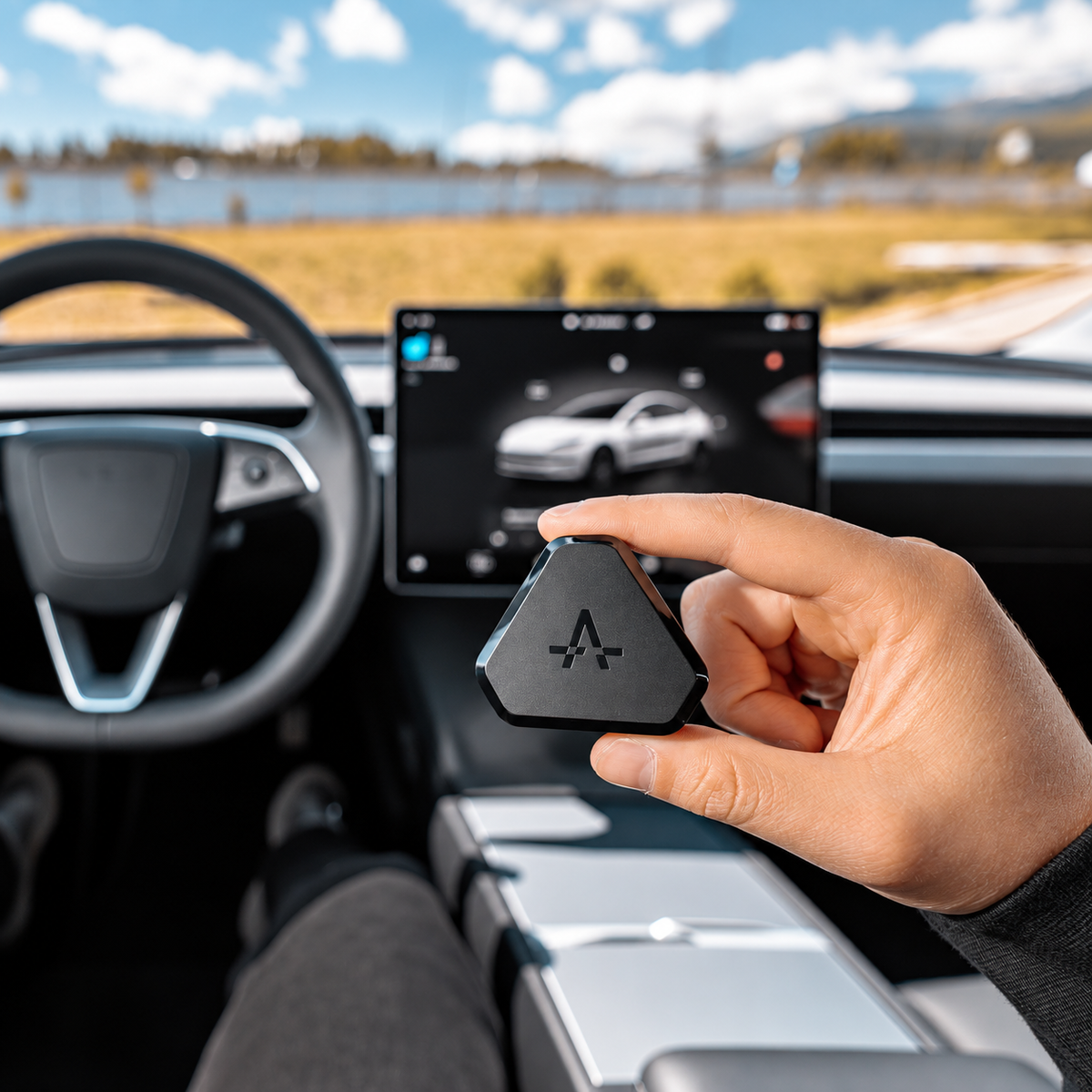
S3XY Commander Gen2 für Tesla Model 3 & Y von Enhance
Bitte geben Sie im Warenkorbbereich Ihre Umsatzsteuer-Identifikationsnummer an, wenn Sie Anspruch auf eine Umsatzsteuerbefreiung haben.
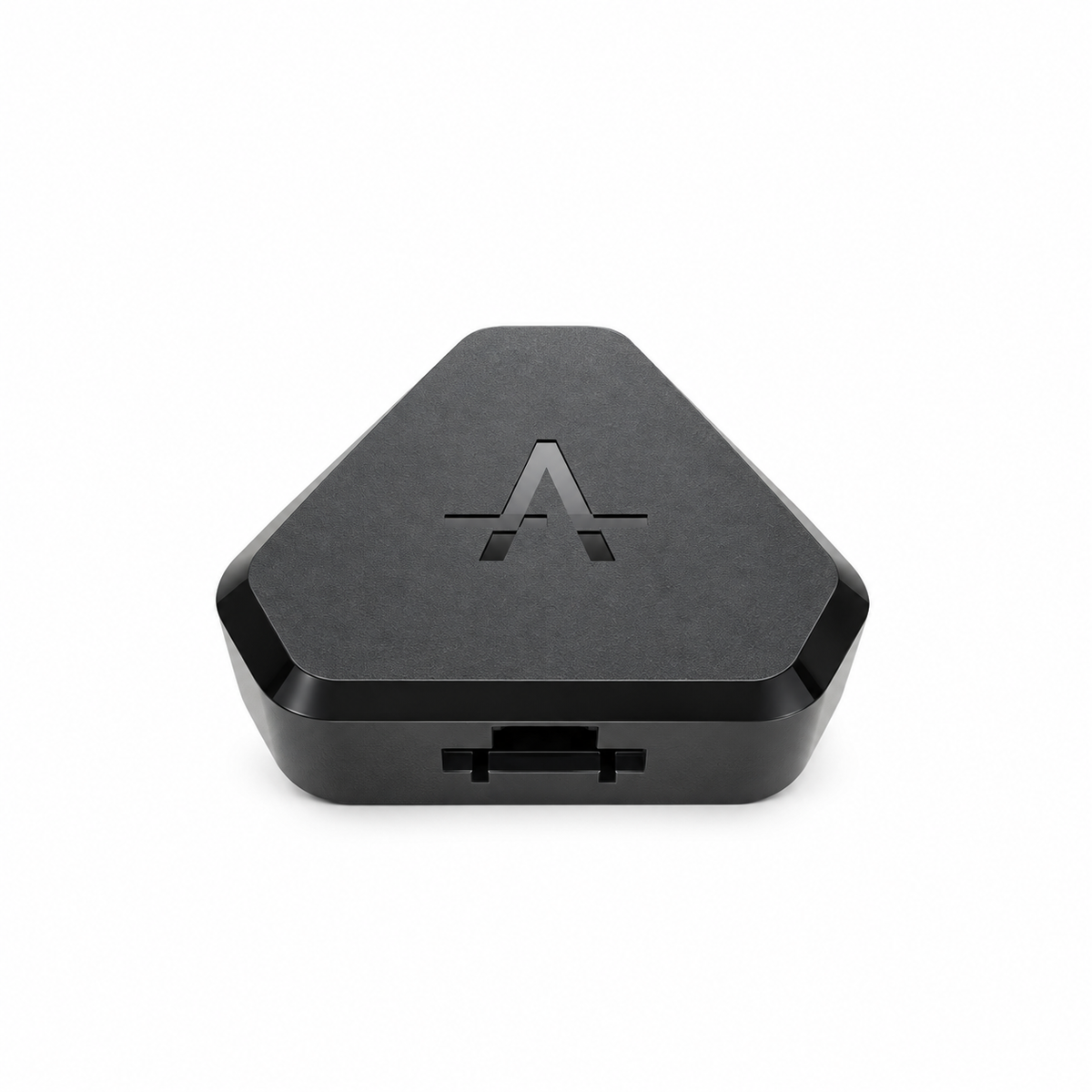
Der Commander ist das Gehirn des gesamten S3XY-Ökosystems. Es schaltet erweiterte Fahrzeugsteuerungen, Automatisierungen, Echtzeitdaten und Zugriff auf die leistungsstarke S3XY Dashboard-App frei – und ist damit eines der vielseitigsten verfügbaren Upgrades für Tesla Model 3 und Model Y.
Wenn der Commander installiert ist, können Sie intelligentere Automatisierungen erstellen und auf Funktionen zugreifen , die normalerweise mehrere Fingertipps auf die App erfordern Bildschirm.
Einige der verfügbaren Automatisierungen umfassen:
-
Automatisches Stummschalten der ISA-Geschwindigkeitswarnung bei EU-Fahrzeugen ab 2024
Frontinstallation ist erforderlich. - Add Umgebungslicht Effekte zum werkseitigen LED-Streifen bei Model 3 Highland und Model Y Juniper
- Öffnen Sie den Frunk durch Ziehen am Griff der Fahrertür
- Automatisch den Kofferraum präsentieren bei Annäherung an unterstützte Fahrzeuge des Modells 3 und des Modells Y
- Zugang Toter-Winkel-Überwachung und andere verbesserte Fahrzeuge Funktionen
- Verhindern Sie bestimmte Autopilot-bedingte Unterbrechungen auf unterstützten Konfigurationen
- Anzeigen Echtzeit-Fahrzeugdaten über die S3XY Dashboard-App
Sie können weitere verfügbare Automatisierungen erkunden hier:
Alle anzeigen S3XY-Automatisierungen
Installationsoptionen
Der Commander unterstützt je nach Tesla-Modell mehrere Installationsmethoden und die Funktionen, die Sie freischalten möchten.
-
Modell 3 und Modell Y mit Wärmepumpe
Installationsvideo ansehen -
Modell 3 2024+ – Highland
Installationsvideo ansehen -
Modell Y 2025+ – Juniper
Installation ansehen Video -
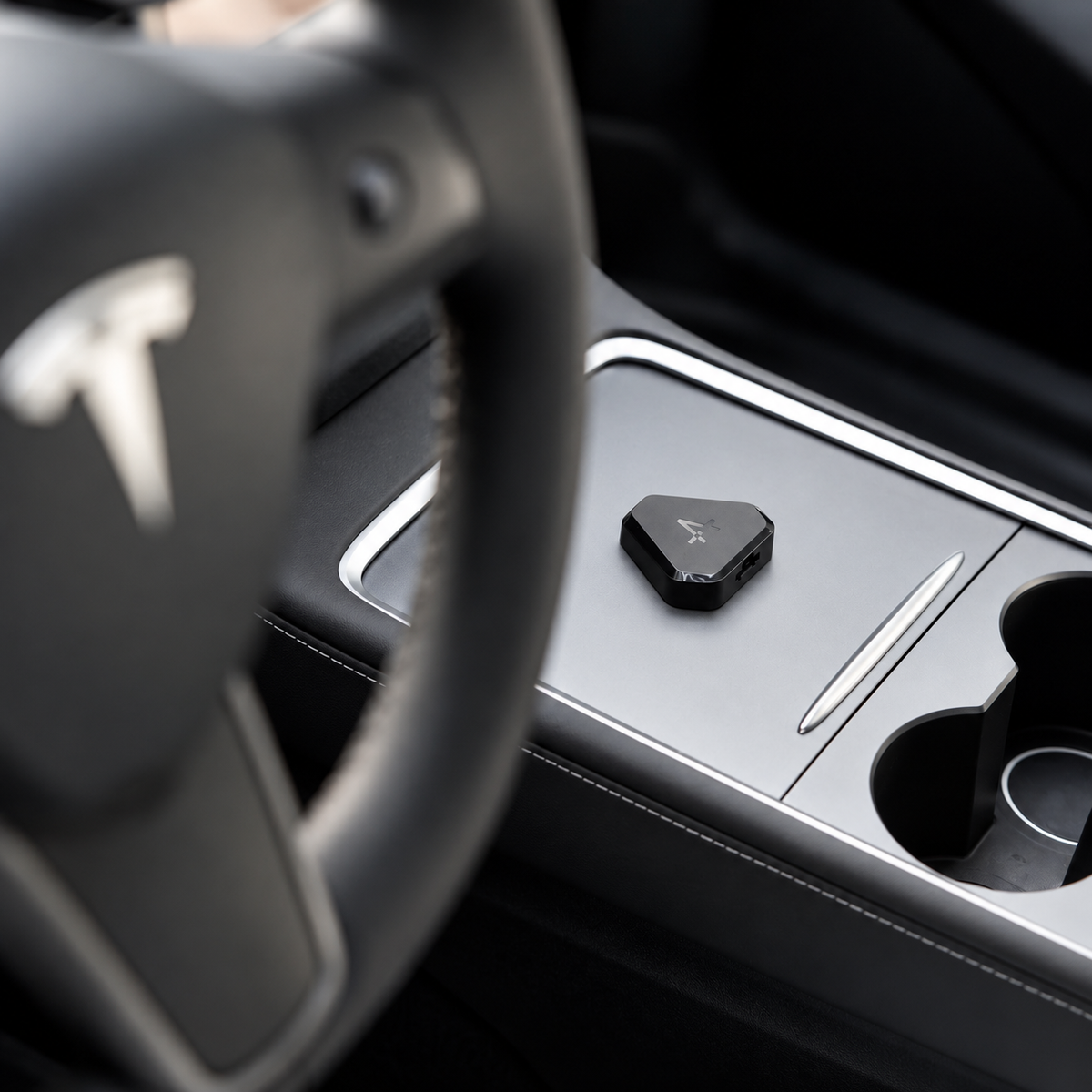
Modell 3/Y 2019–2024 – Installation der Mittelkonsole
Installationsvideo ansehen
Funktionen wie Toter-Winkel-Überwachung, Autopilot-Strafpräventionund ISA Stummschaltung erfordert das vordere rechte A-Säulen-Kabel. -
Modell 3/Y 2021–2025 – Frontinstallation
Installationsvideo ansehen
Diese Installation bietet Zugriff auf die gesamte Palette unterstützter Aktionen, einschließlich Toter-Winkel-Überwachung, Autopilot-Strafverhinderungund ISA-Stummschaltung. -
Modell 3 2018
Installationsvideo ansehen -
Aktualisiertes Modell S/X 2021–2025
Installation ansehen video
Wichtiger Hinweis
Einige Automatisierungen, wie zum Beispiel Presenting Trunk und Presenting Door, erfordern, dass das Fahrzeug wach ist. Für das beste Erlebnis sollten Sie die Planung einer Vorkonditionierung in Betracht ziehen oder Aktivieren Keep/Camp-Modus bevor Sie das Fahrzeug verlassen.
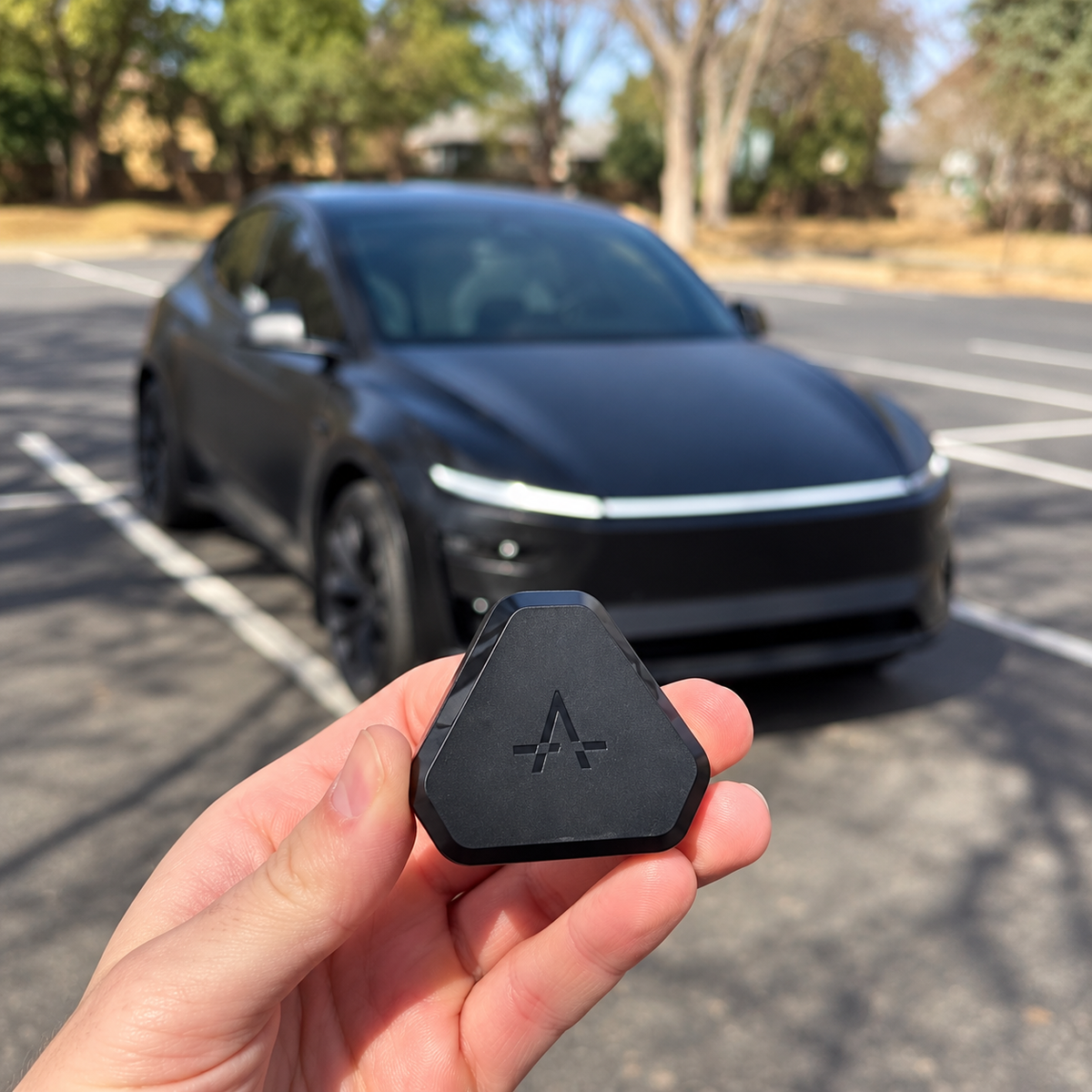
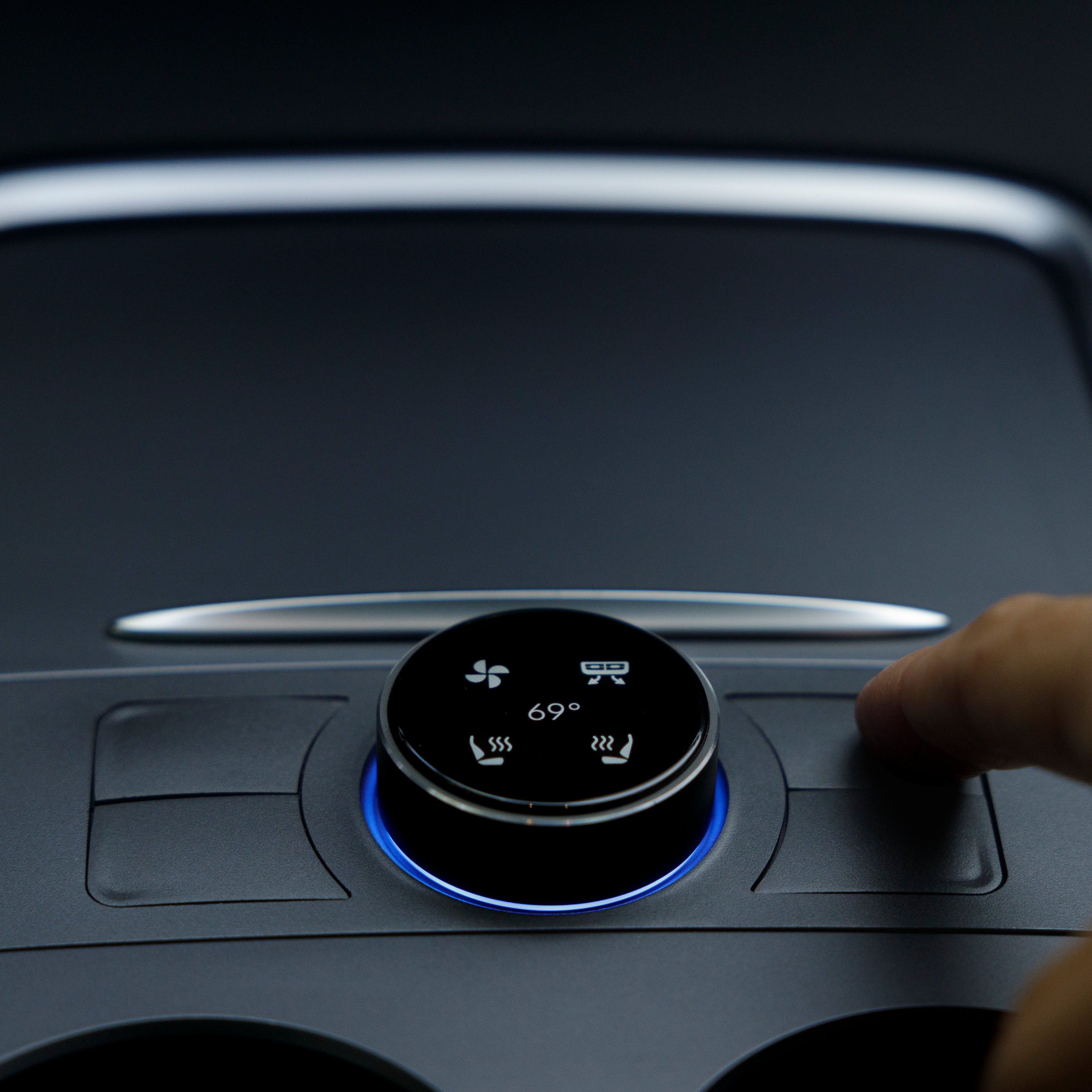
Lassen Sie Ihren Tesla um Sie herum arbeiten. Commander schaltet leistungsstarke Automatisierungen frei, wie etwa die Stummschaltung der ISA-Warnung, die Präsentation des Kofferraums, Frunk-Verknüpfungen, Umgebungslichteffekte und andere Aktionen, die mit wenig oder keiner Interaktion über den Touchscreen ausgeführt werden können.
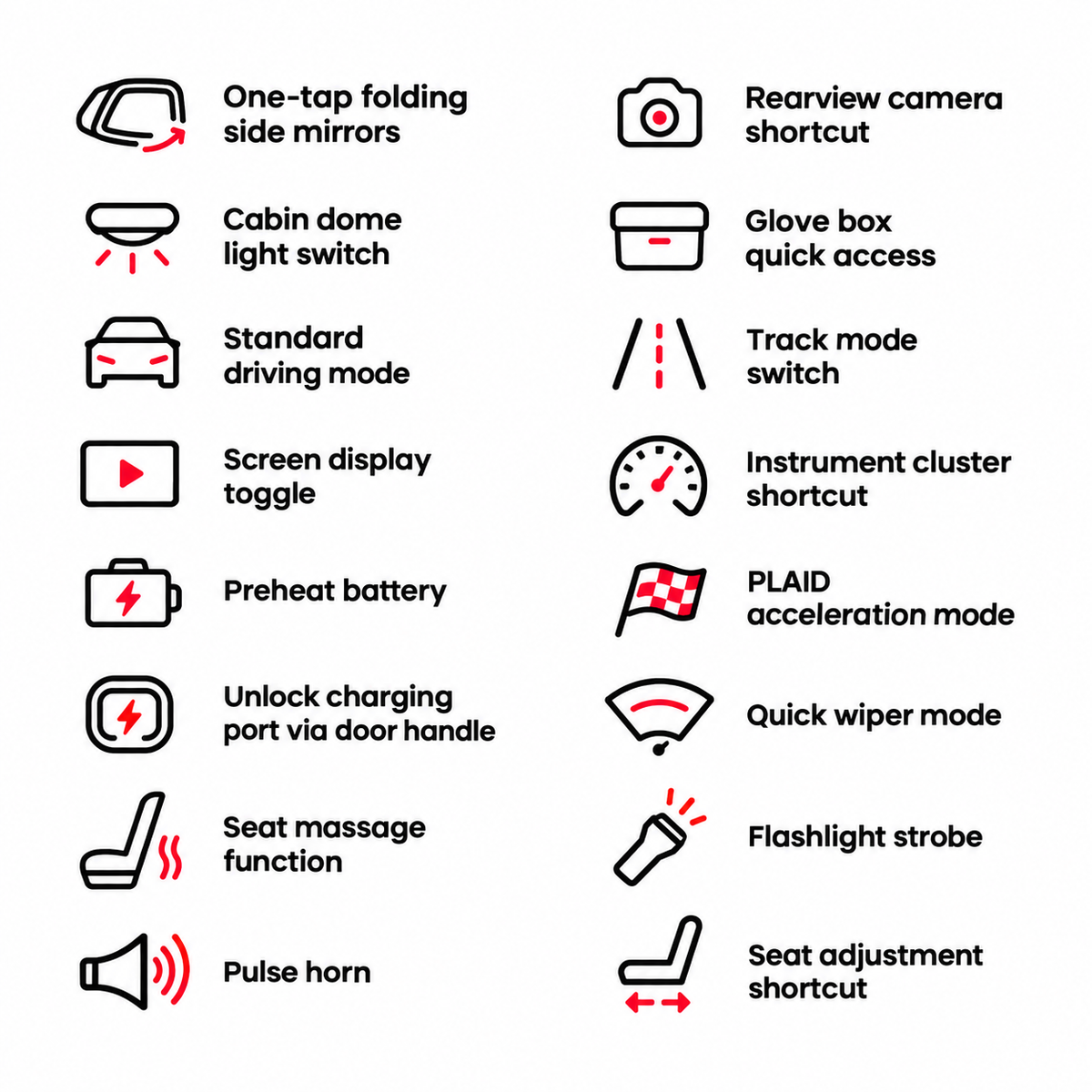
Zugriff auf Funktionen, die über die Standard-Tesla-Schnittstelle hinausgehen. Commander ermöglicht unterstützte Funktionen wie die Überwachung des toten Winkels, erweiterte Autopilot-bezogene Steuerungen und eine breite Palette von Aktionen für Model 3 und Model Y.
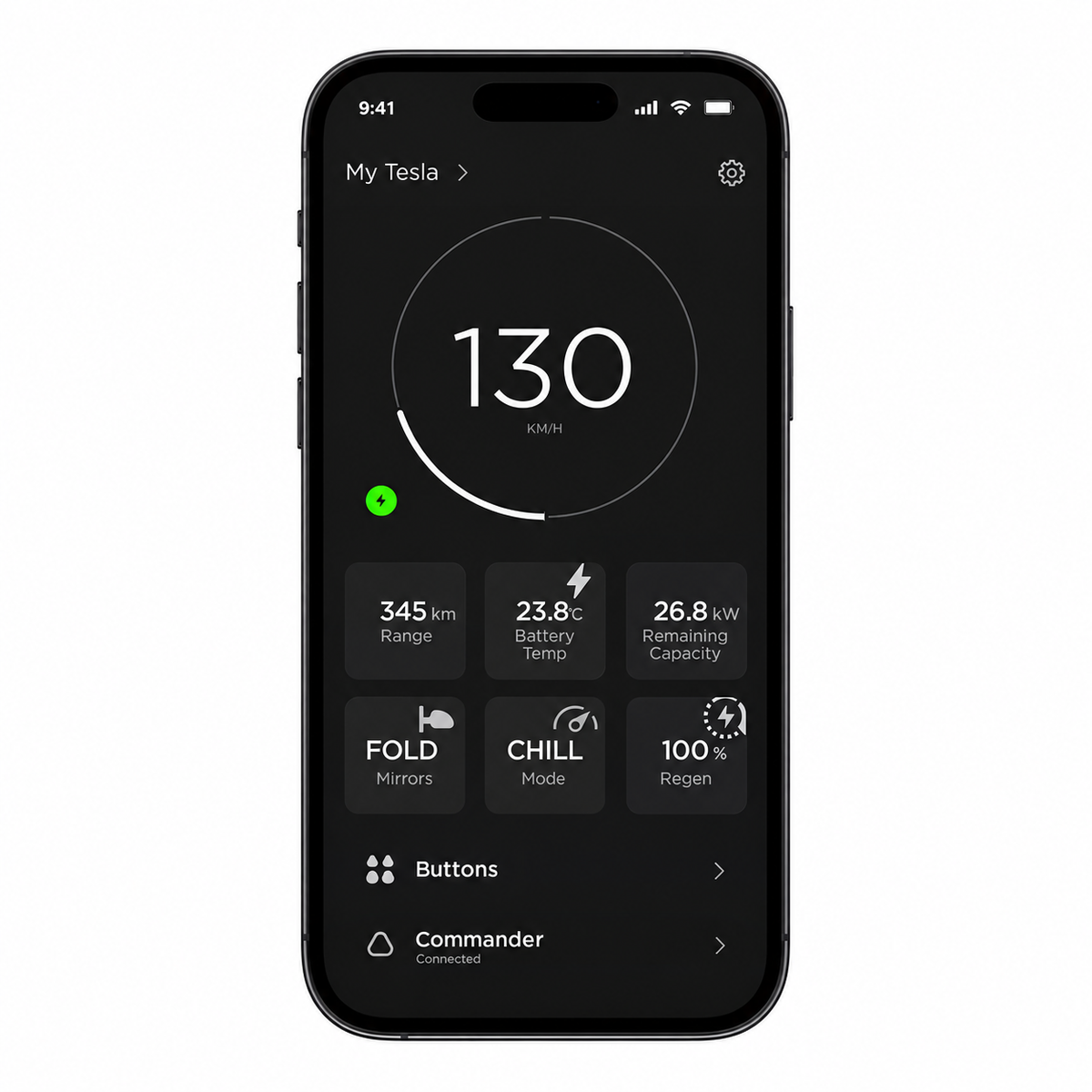
Sehen Sie mehr von dem, was Ihr Tesla tut. Verbinden Sie Commander mit der S3XY Dashboard-App, um über eine anpassbare Oberfläche auf Echtzeit-Fahrzeugdaten, nützliche Statistiken und zusätzliche Steuerelemente zuzugreifen.
Lassen Sie Ihren Tesla um Sie herum arbeiten. Commander schaltet leistungsstarke Automatisierungen frei, wie etwa die Stummschaltung der ISA-Warnung, die Präsentation des Kofferraums, Frunk-Verknüpfungen, Umgebungslichteffekte und andere Aktionen, die mit wenig oder keiner Interaktion über den Touchscreen ausgeführt werden können.
Zugriff auf Funktionen, die über die Standard-Tesla-Schnittstelle hinausgehen. Commander ermöglicht unterstützte Funktionen wie die Überwachung des toten Winkels, erweiterte Autopilot-bezogene Steuerungen und eine breite Palette von Aktionen für Model 3 und Model Y.
Sehen Sie mehr von dem, was Ihr Tesla tut. Verbinden Sie Commander mit der S3XY Dashboard-App, um über eine anpassbare Oberfläche auf Echtzeit-Fahrzeugdaten, nützliche Statistiken und zusätzliche Steuerelemente zuzugreifen.