
S3XY Knob + Commander от Enhance
Please provide your VAT number in the cart section if you qualify for a VAT exemption.
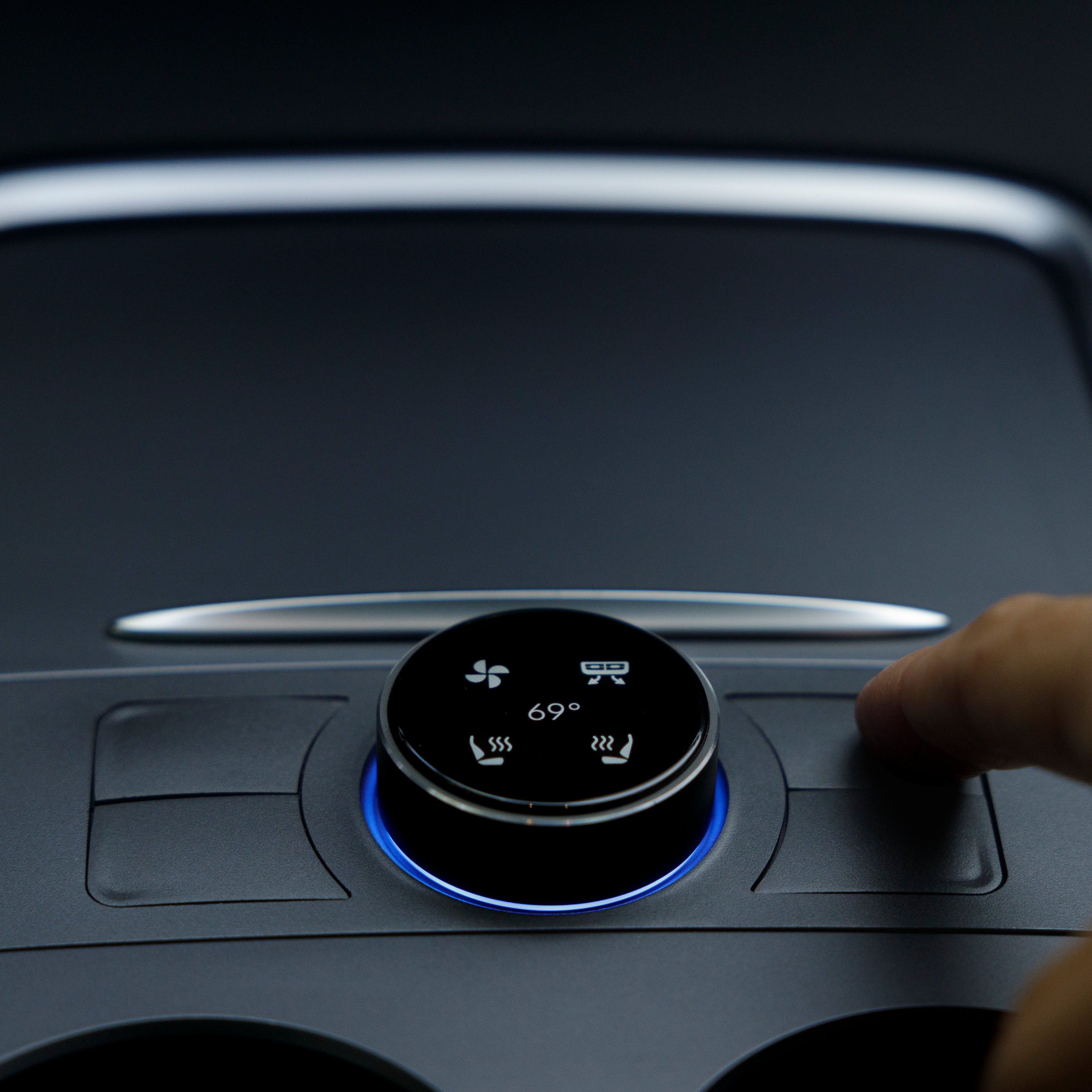
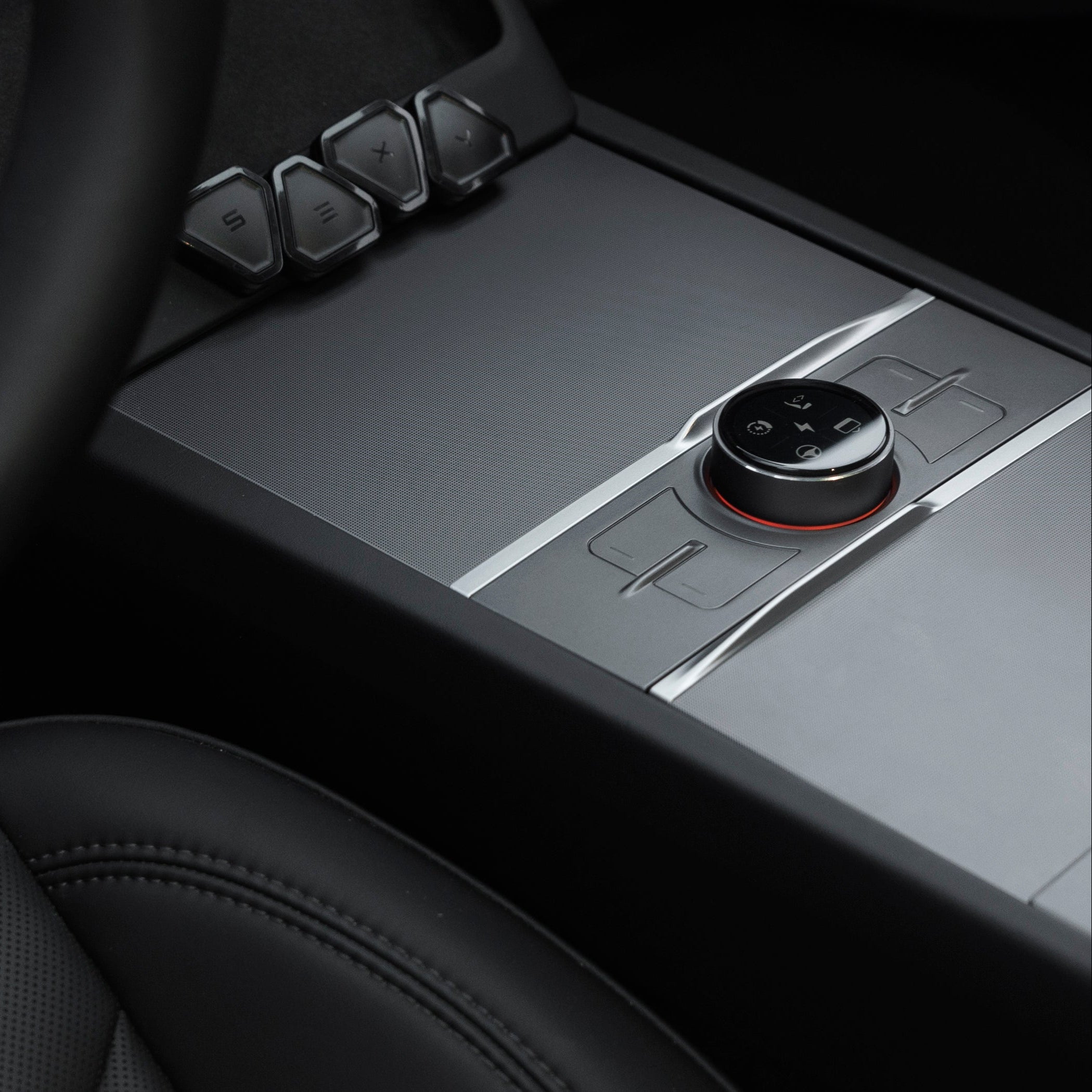
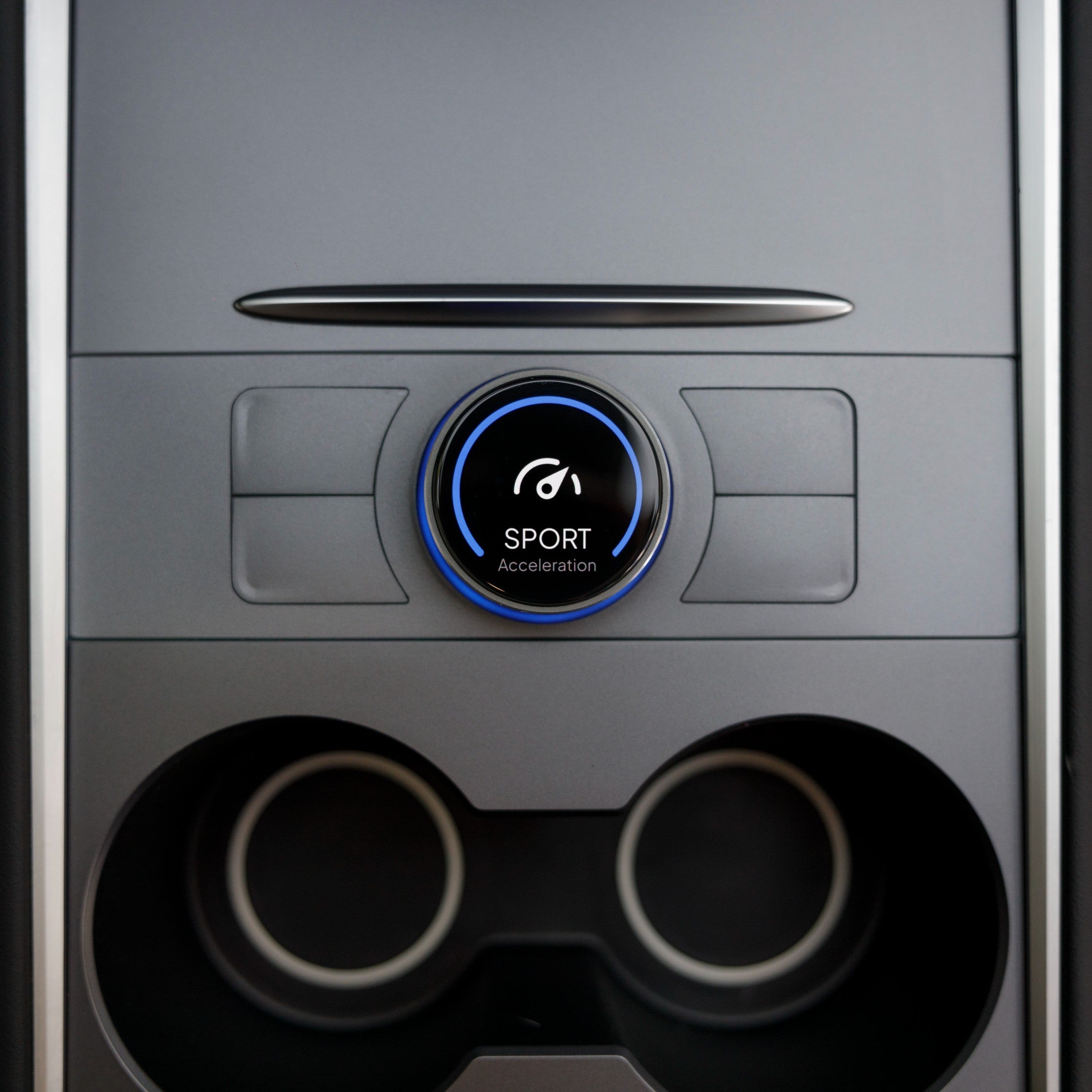
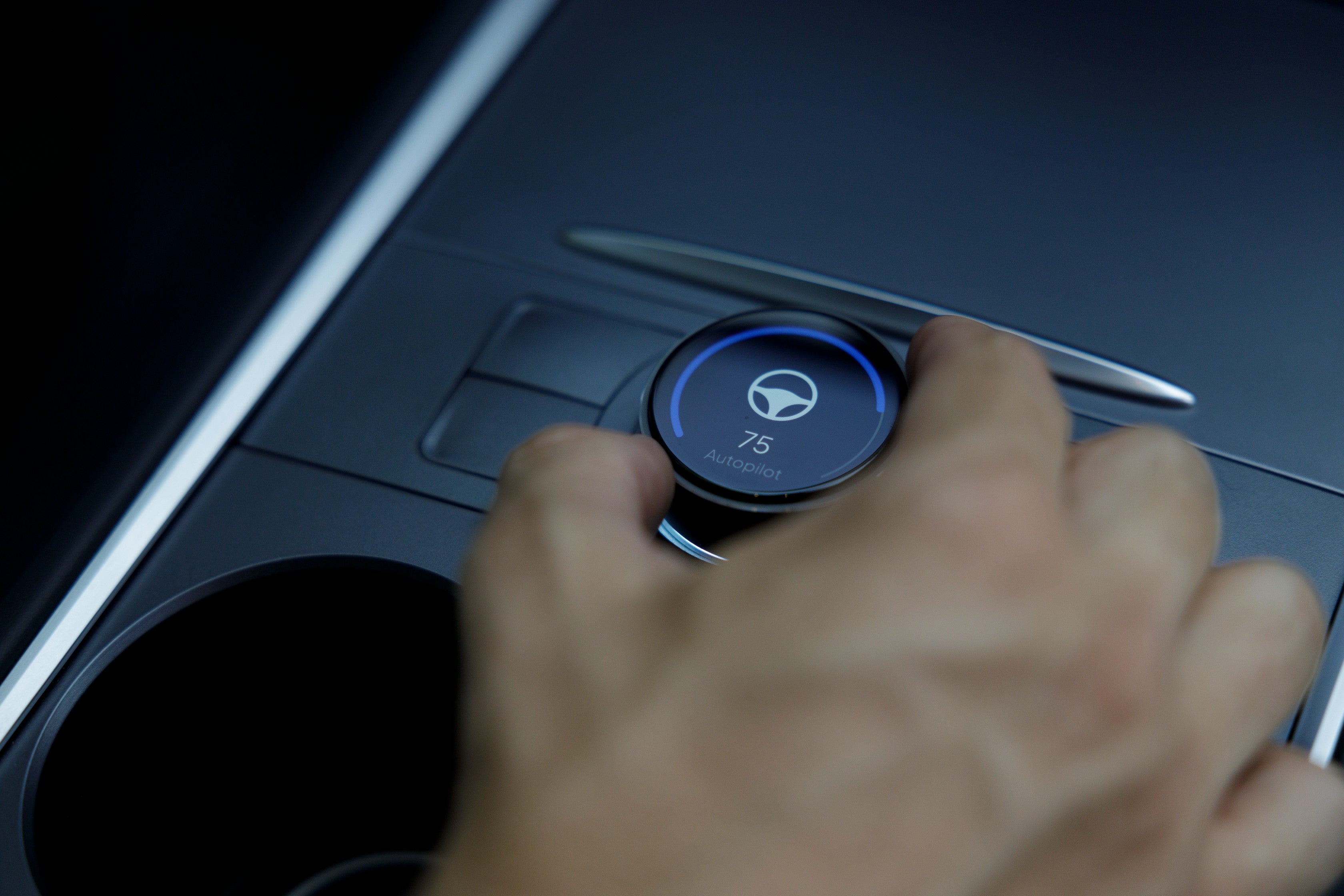
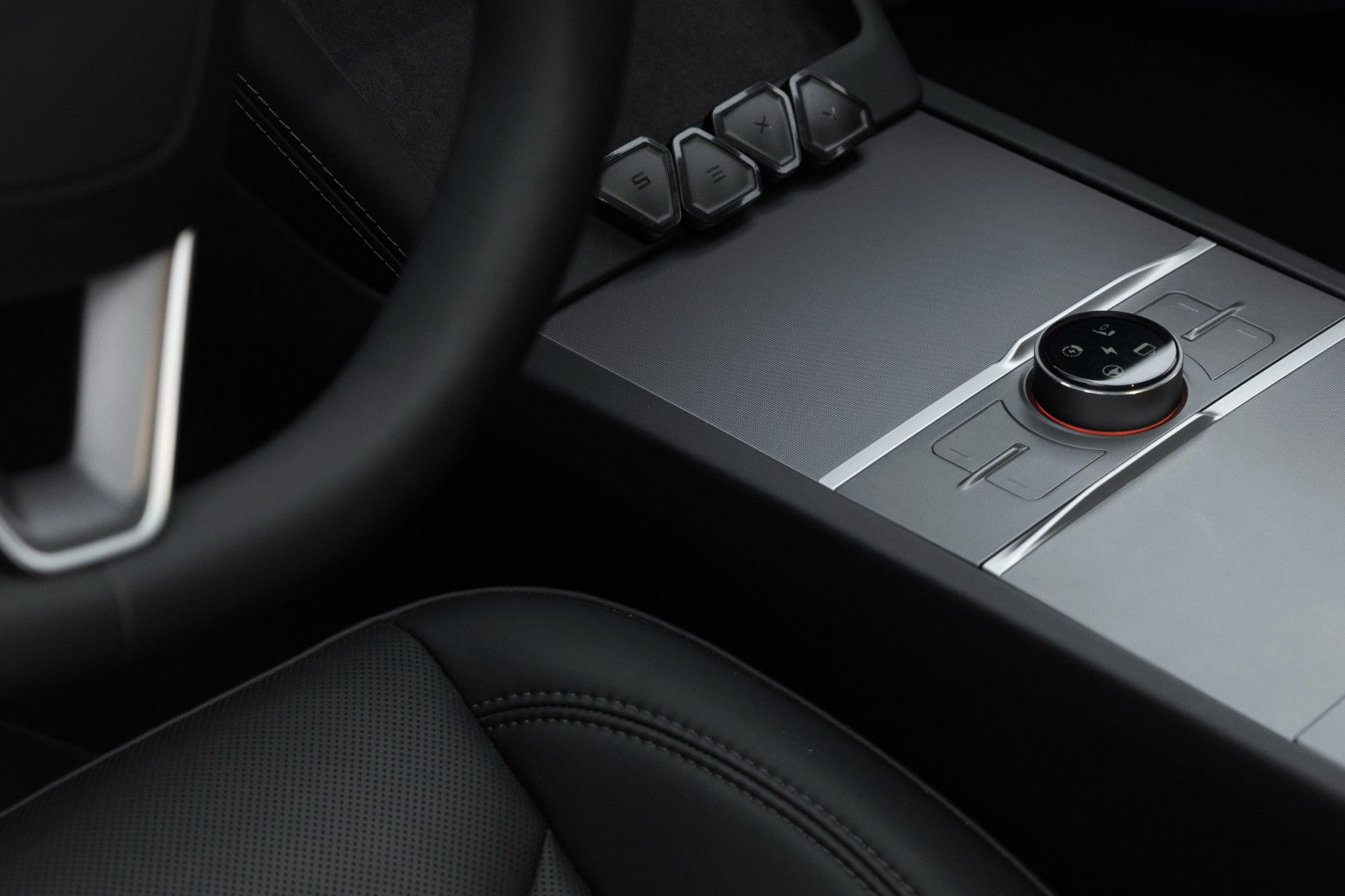
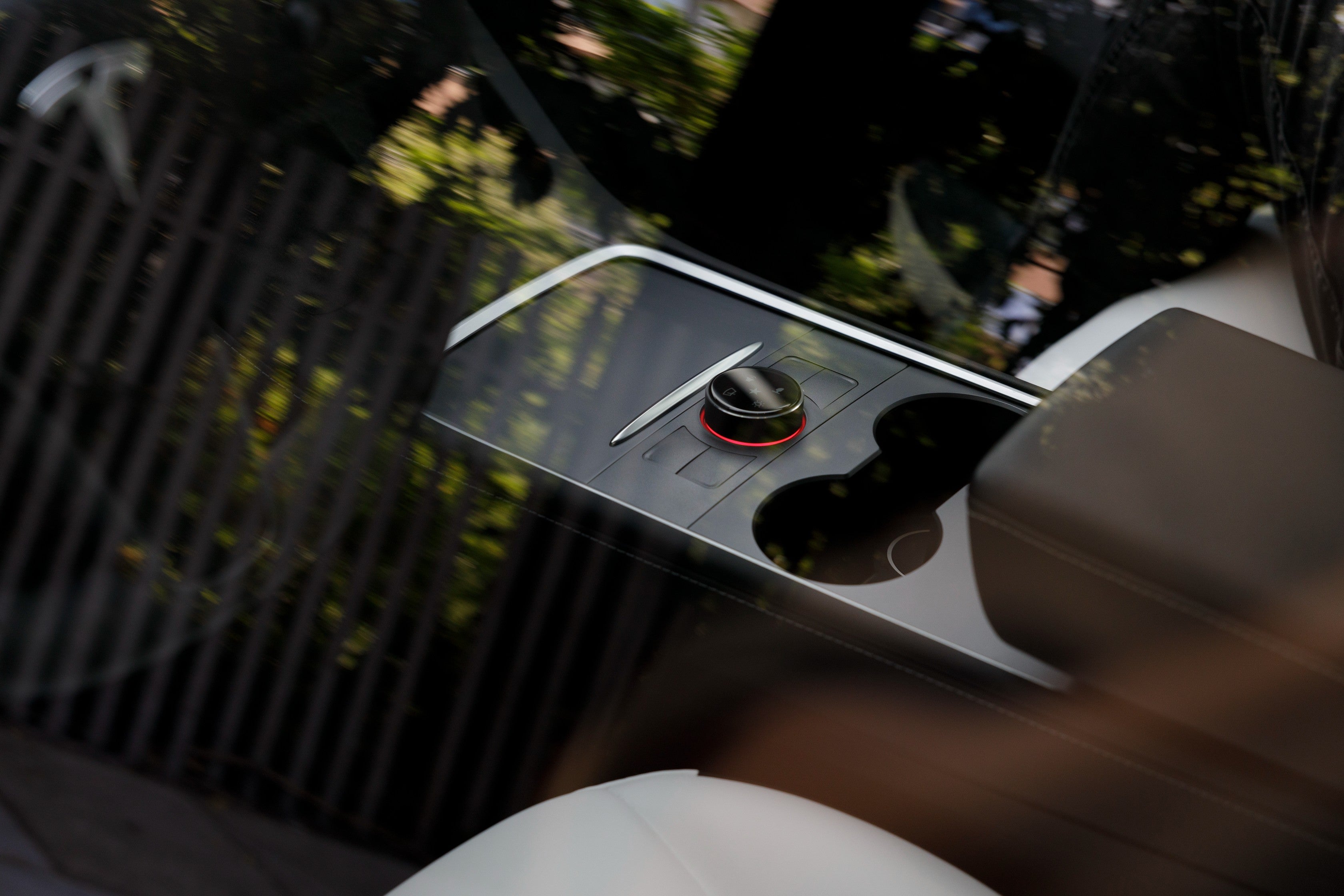
Он SУстройство 3XY Knob + Commander от Enhance добавляет интуитивно понятные физические элементы управления в ваш Tesla Model 3 или Model Y, обеспечивая быстрый доступ к более чем 80 настраиваемым функциям автомобиля без необходимости навигации по меню сенсорного экрана. Благодаря высококачественному поворотному контроллеру, программируемым сочетаниям клавиш и мощному модулю Commander Gen2, оно обеспечивает более безопасное, персонализированное и не отвлекающее от вождения управление.
The S3XY Knob supports more than 80 available actions, with space for up to five pages of five assigned actions each. You decide which controls belong together and which deserve a place on your main page.
Keep temperature, fan speed and seat heating together for cabin adjustments, or create a separate page for opening the boot, front boot and glovebox. Available functions also include wiper control and battery preheating. Check the requirements for individual actions against your vehicle and software version.
Configure shortcuts in the S3XY App
Use the S3XY App to assign actions and change their settings. Depending on the function, you can trigger a command with a button press or turn the dial to adjust a value. Submenus group related commands, such as media playback controls, within the same view.
The Auto Page Selector can display a chosen page when the car enters Drive or Reverse. You can also adjust display brightness, vibration strength and the time before the Knob returns to its home screen. These settings let you organise the controller around how you use the car.
Commander Gen2 included
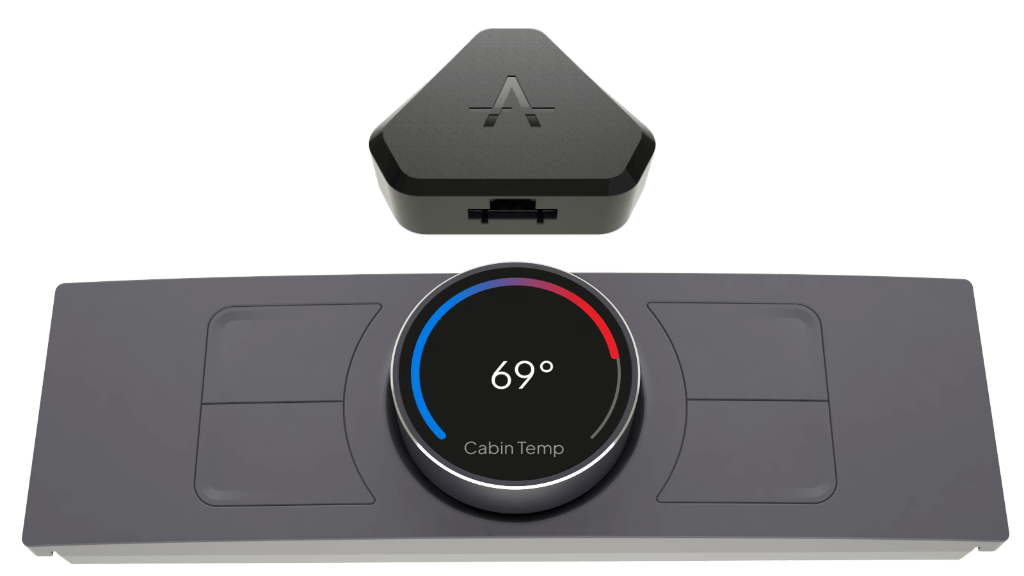
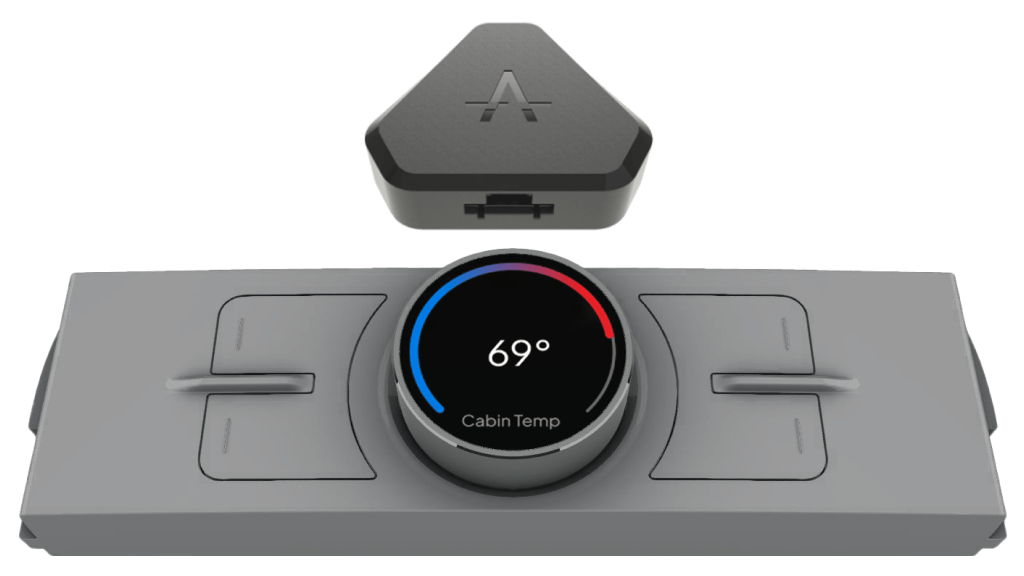
The S3XY Commander connects the accessory system to the vehicle and communicates wirelessly with compatible S3XY devices. It also supports app-based vehicle dashboards and Commander automations.
This package pairs the controller with the Commander Gen2 module, so you do not need to purchase that module separately when starting your setup.
Choose the version for your Tesla Model 3 or Model Y
We offer the following versions at EVniculus:
Product option
Vehicle generation
Model 3 2021–2024
Model 3 with the corresponding pre-Highland console
Model Y 2021–2025
Model Y with the corresponding pre-Juniper console
Model 3 Premium (Highland 2024+)
Refreshed Model 3 Highland
Model Y Premium (Juniper 2025+)
Refreshed Model Y Juniper
Check the generation and centre console as well as the year, particularly where the listed dates overlap. If you are unsure which option matches your vehicle, contact us before placing your order.
Installation and power connection
Installation involves connecting the Commander to the appropriate vehicle connector, fitting the Knob to the centre console and pairing the devices through the S3XY App. The Commander’s connection point depends on the vehicle configuration, so follow the installation guide for your Tesla.
The pre-Highland and pre-Juniper Knob uses power from a USB-C port inside the console. For Highland and Juniper, Enhance specifies a USB-C cable connected through an adapter to the vehicle’s 12V socket.
Use the S3XY App to assign actions and change their settings. Depending on the function, you can trigger a command with a button press or turn the dial to adjust a value. Submenus group related commands, such as media playback controls, within the same view.
The Auto Page Selector can display a chosen page when the car enters Drive or Reverse. You can also adjust display brightness, vibration strength and the time before the Knob returns to its home screen. These settings let you organise the controller around how you use the car.
The S3XY Commander connects the accessory system to the vehicle and communicates wirelessly with compatible S3XY devices. It also supports app-based vehicle dashboards and Commander automations.
This package pairs the controller with the Commander Gen2 module, so you do not need to purchase that module separately when starting your setup.
Installation involves connecting the Commander to the appropriate vehicle connector, fitting the Knob to the centre console and pairing the devices through the S3XY App. The Commander’s connection point depends on the vehicle configuration, so follow the installation guide for your Tesla.
The pre-Highland and pre-Juniper Knob uses power from a USB-C port inside the console. For Highland and Juniper, Enhance specifies a USB-C cable connected through an adapter to the vehicle’s 12V socket.
FAQ
Are all 80+ actions displayed at once?
No. You assign selected actions across up to five pages, with up to five actions per page. The larger catalogue gives you options when configuring those pages.
Can I buy the Knob separately if I already own a Commander?
Enhance offers a standalone Knob. Before choosing it, confirm that your existing Commander and vehicle are compatible. This EVniculus listing is for the Knob and Commander bundle.
Does the S3XY Knob receive software updates?
Yes. Enhance provides free over-the-air updates for the Knob. Tesla software changes can affect individual functions, so check current compatibility and keep the S3XY software up to date.