
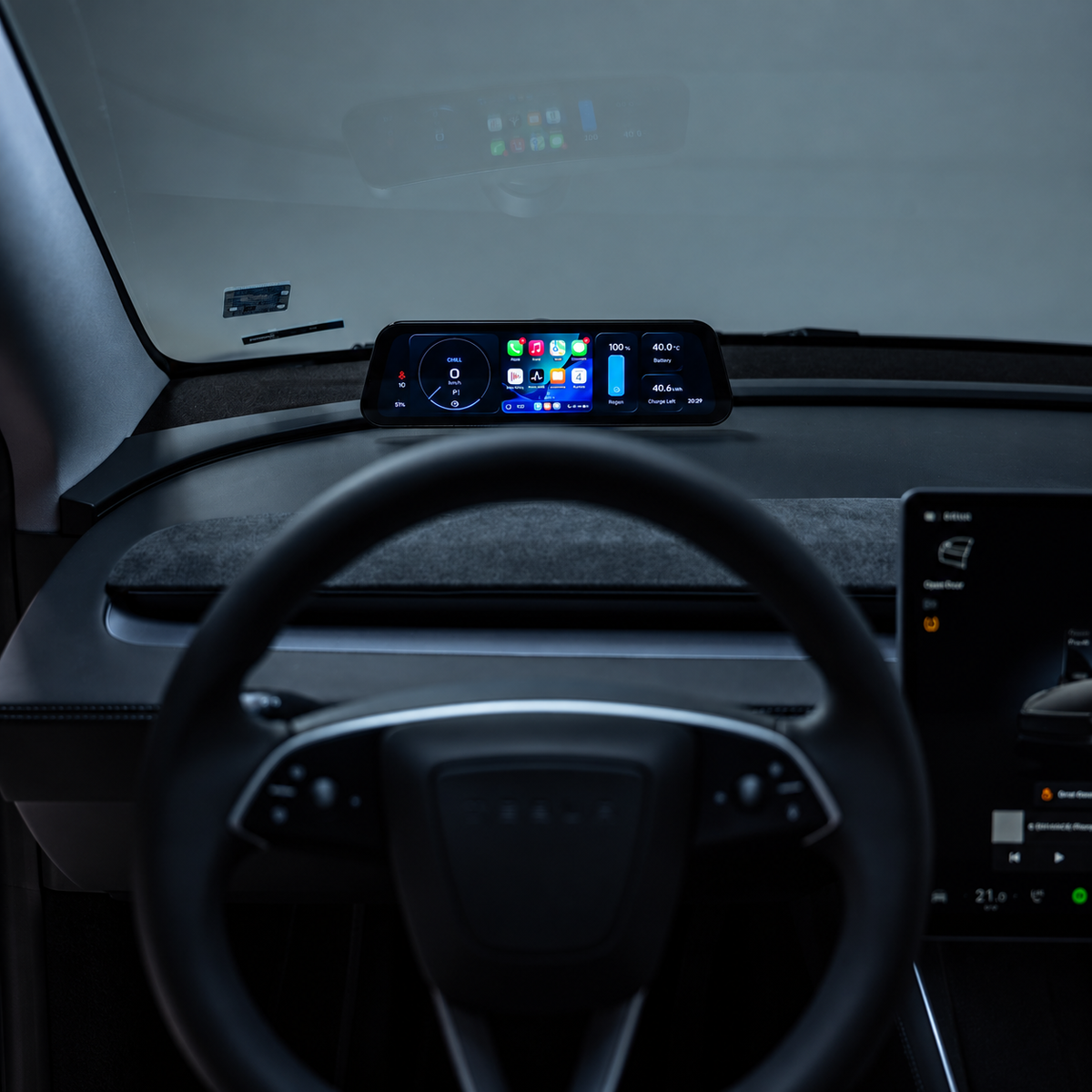
S3XY Dash + Commander для Tesla Model 3 и Y от Enhance
Please provide your VAT number in the cart section if you qualify for a VAT exemption.
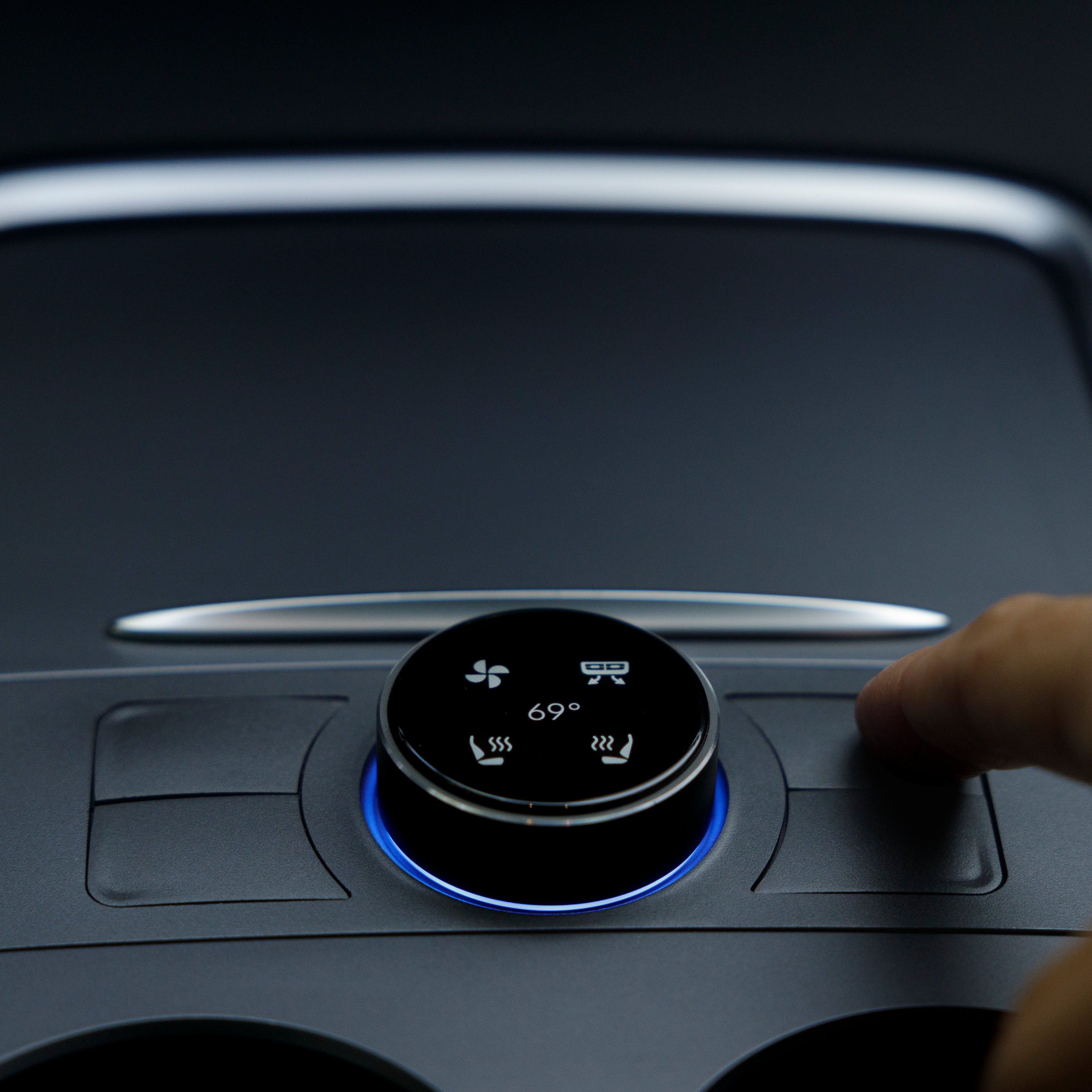
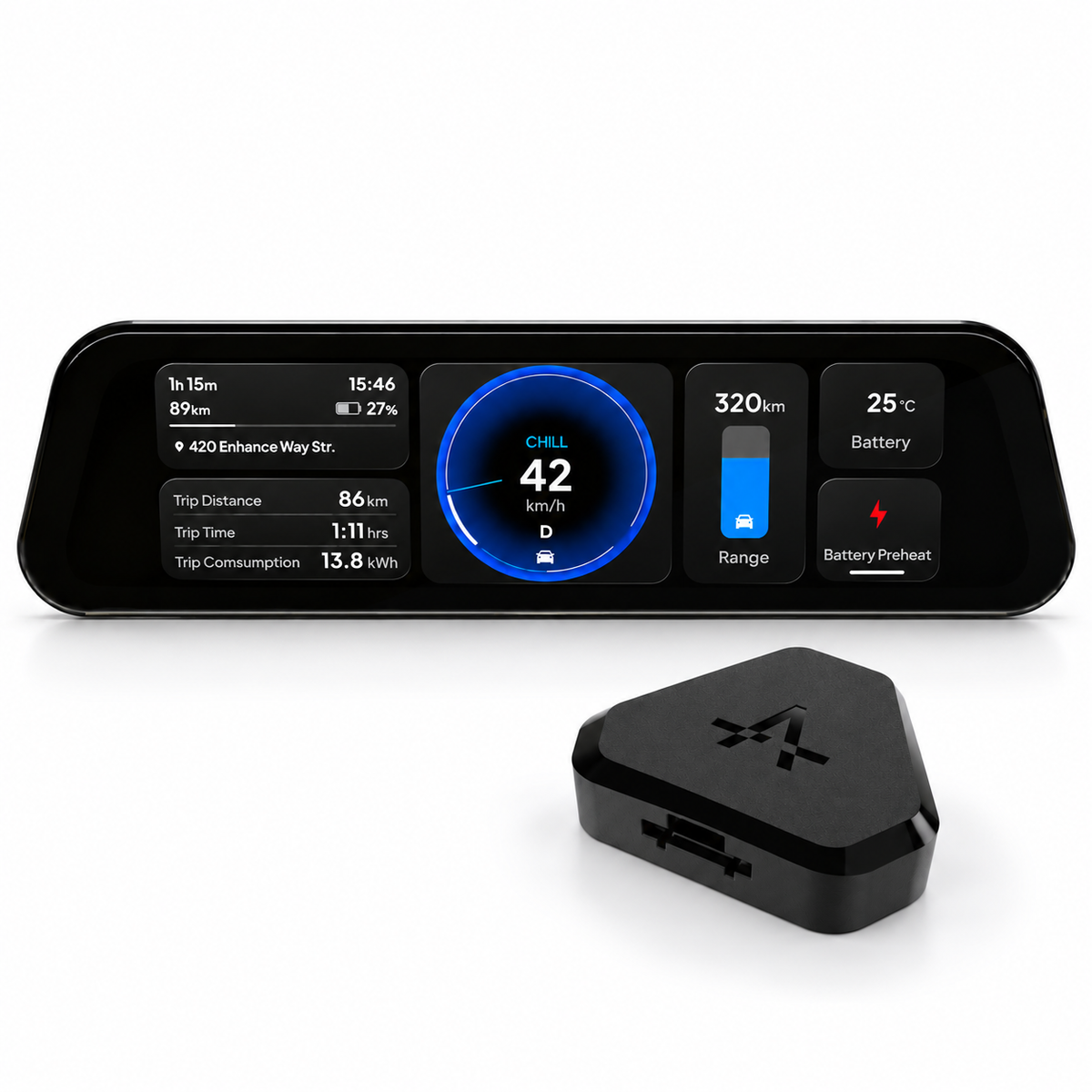
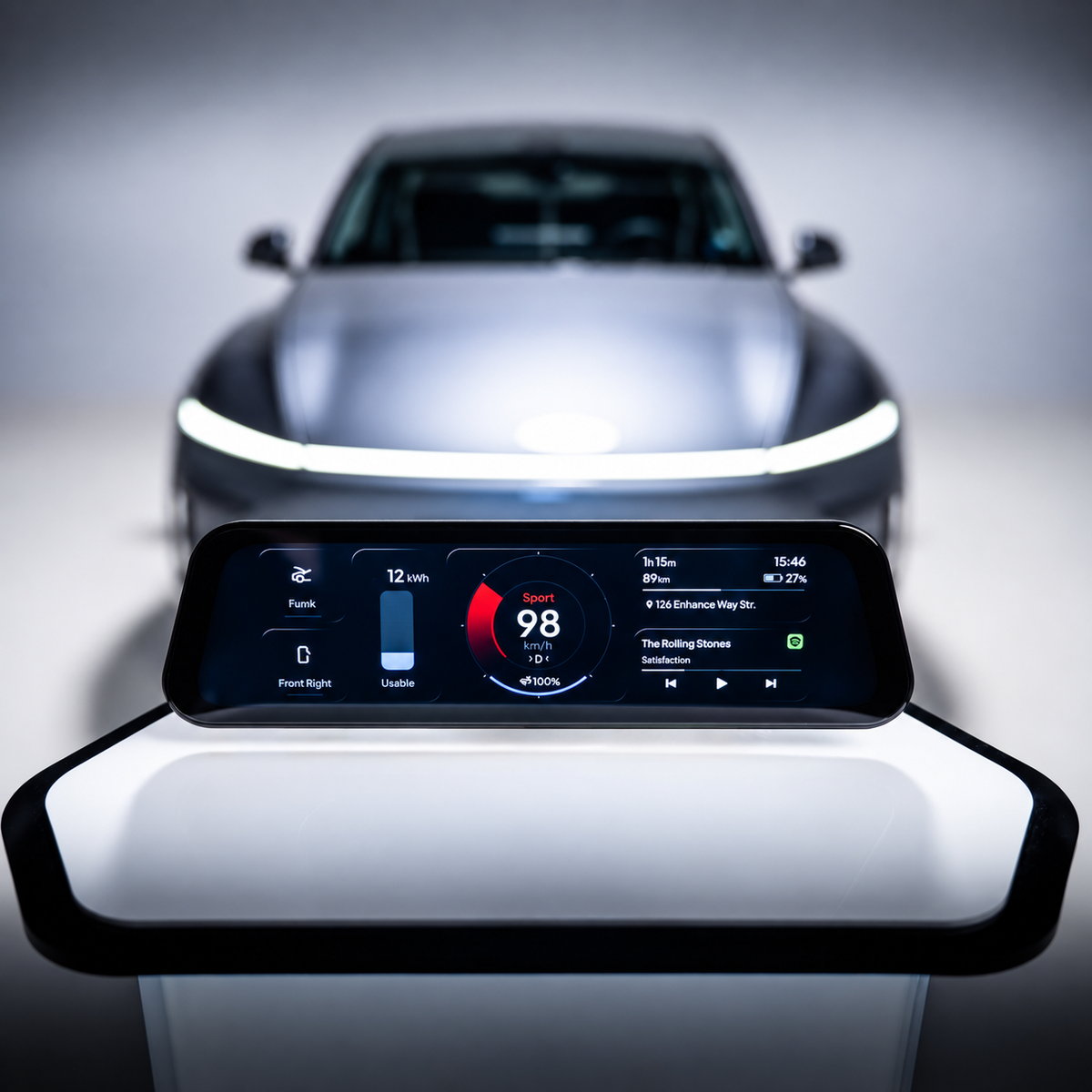
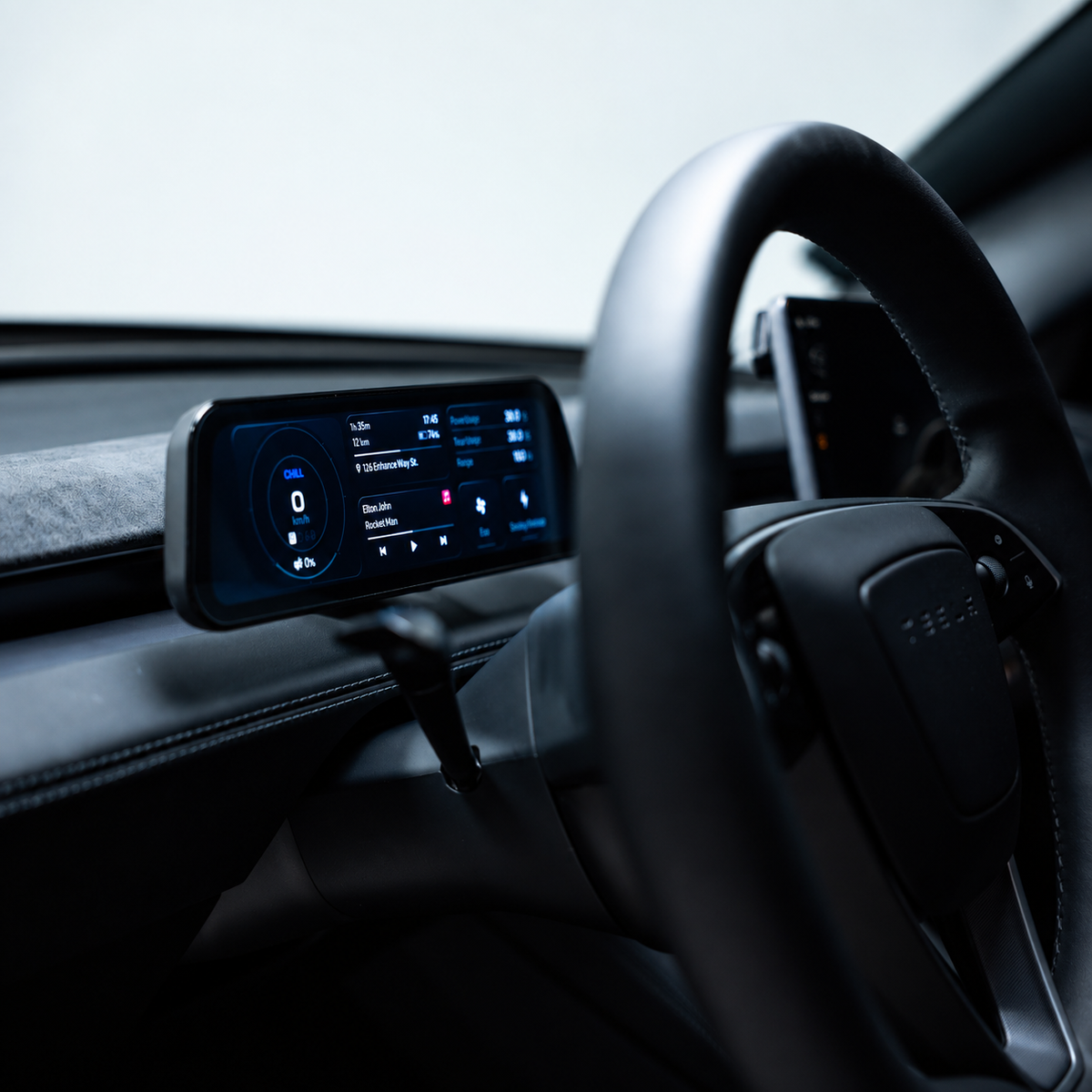
The S3XY Dash — это интеллектуальная, полностью настраиваемая комбинация приборов, разработанная специально для Tesla Model 3 и Model Y. Она добавляет необходимую информацию о вождении и необходимые элементы управления прямо перед вами, а также поддерживает Apple CarPlay и Android Auto.
Он подходит как для legacy Model 3 / Модель Y транспортные средства и более новые Model 3 Highland / Model Y Juniper.
Все, что вам нужно, прямо перед вами
Настройте S3XY Dash в соответствии с вашим стилем вождения. Выбирайте предпочтительный макет, добавляйте различные типы и размеры виджетов, а также держите на виду самые важные элементы управления и информацию об автомобиле.
С S3XY Dash вы можете:
- Использовать Apple CarPlay и Android Auto
- Control 50+ Tesla функции, включая предварительный подогрев аккумулятора, уровень рекуперации и многое другое
- Мониторинг поездки, аккумулятора и данных автомобиля
- Настройте свой спидометр, датчики и расположение приборной панели
- Просматривайте полезную информацию о вождении, такую как предупреждения о слепых зонах, автомобильные предупреждения и ограничения скорости
- Получайте OTA-обновления с новыми функциями и улучшения
Созданный на базе вашего Tesla
Независимо от того, предпочитаете ли вы простую настройку, ориентированную на спидометр, элементы управления быстрого доступа, подробную статистику автомобиля или CarPlay на экране, S3XY Dash позволяет вам создать макет, который лучше всего подходит для вас.
Установка видео:
https://youtu.be/wkx7QsUakTU
The S3XY Dash supports up to eight configurable screens, with automatic switching according to the vehicle’s driving state. Resize and position individual widgets to give your most-used information more space.
You might start with a large speedometer and compact trip statistics, then build another layout around navigation. The display supports live CAN bus data, meaning information received from the vehicle’s internal communication network, alongside Autopilot status and blind-spot warning indicators.
Use compatible phone apps on the Dash through Apple CarPlay or Android Auto. Your phone’s Wi-Fi must remain enabled for these connections, and online maps or music streaming require an internet connection on the phone.
The vehicle-data display does not require your phone to remain active continuously. You can use the Dash as an instrument cluster and connect your phone when you want navigation or media apps.
Access more than 50 supported vehicle functions, including battery preheating and regenerative braking level adjustment, alongside trip and vehicle data. Function availability and behaviour depend on your Tesla’s configuration and the installed software.
Enhance releases over-the-air updates to add features and improve operation. Check the current requirements for the actions you intend to use when setting up your display.
The S3XY Dash for Tesla Model 3 and Model Y supports earlier generations and the refreshed Model 3 Highland and Model Y Juniper. The connection kit must match the vehicle.
Check your model, production date and heat-pump configuration before ordering. For newer Model Y versions, production location and build date can also affect the cable selection. If you are unsure which option to choose, send these details to our EVniculus team so we can help identify the appropriate kit.
What’s included in the box?
The EVniculus bundle contains the S3XY Dash display, Commander Gen2, an OBD connection cable, magnetic stand, USB-C cable and trim removal tool.
Installation and first setup
Follow the installation video for your vehicle. Dash requires a Gen2 Commander connected at the front-right A-pillar port. Set the mount angle before tightening it.
To pair your phone, select S3XY_Dash_XXXX in Bluetooth settings and follow the prompts.
Use the supplied Dash power cable only with the Dash. Enhance specifies that it supplies 16V directly from Commander; connecting it to a phone or tablet can damage that device. The magnetic stand does not provide wireless charging.
While parked, start with a simple layout and check readability from your normal seating position. Add further widgets once you know which information you want to keep visible.
FAQ
Can S3XY Dash show Tesla’s navigation map or camera feed?
It can show navigation details and blind-spot warnings, but it cannot mirror Tesla’s live map or camera feed. Use CarPlay or Android Auto for compatible phone navigation apps.
Will it work with a first-generation Commander?
No. Dash requires Commander Gen2, which is included in this bundle.
What should I check if vehicle data stops updating?
Check the Commander connection and installed software. Enhance currently advises disconnecting the S3XY App from Commander during Dash use because simultaneous connections can interrupt vehicle data.
STA: Choose the installation option for your vehicle and order S3XY Dash + Commander from EVniculus.